
Opera
Opera is a free web browser for Windows from Opera Software. The stable release is 136.0.6008.22, published on 17 September 2026.
133.1 MB

Internet Explorer 9 is Microsoft's legacy web browser for Windows Vista and Windows 7; support ended in January 2016 and Microsoft Edge replaced it.
Average 0.0 · ratings: 0
Thank you! Your rating is saved; you can change it. Could not save the rating. Please try again later. Too many ratings from your network today. Please try again tomorrow. The average appears after 5 ratings.
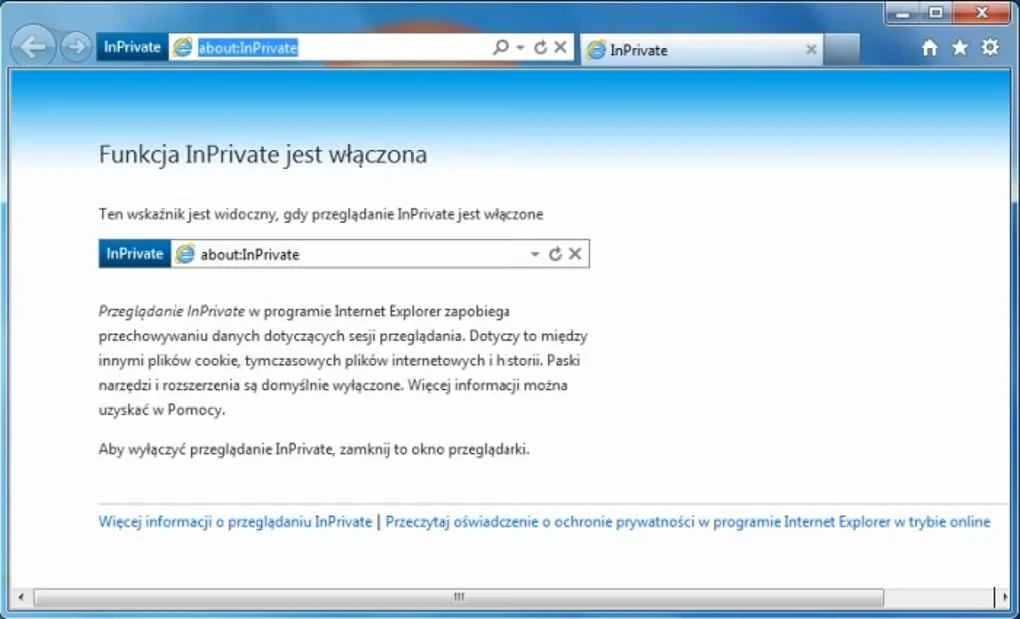
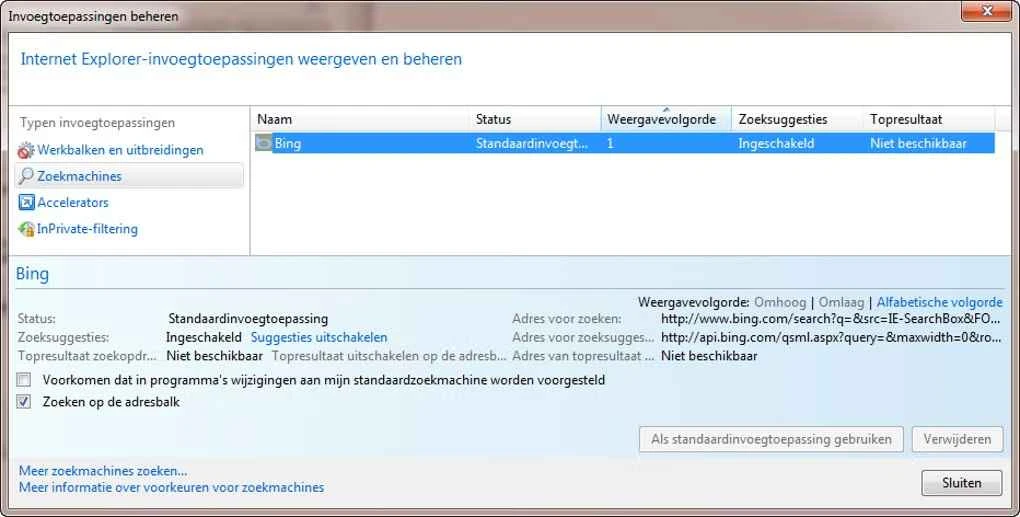
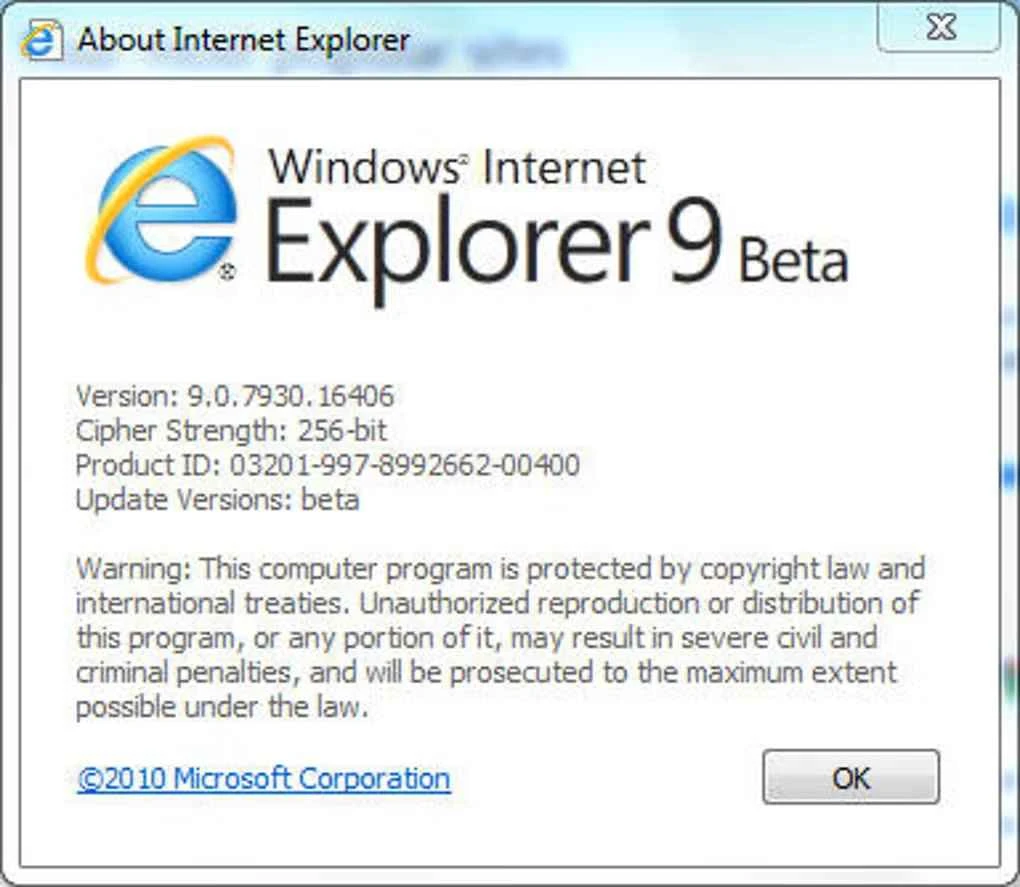
Internet Explorer 9 is a web browser by Microsoft for Windows Vista and Windows 7, released in build 9.0.8112.16421 on 14 March 2011. It reached end of support on 12 January 2016, and Microsoft Edge is its successor; the download is kept for legacy systems, testing and compatibility work.
When it appeared, Internet Explorer 9 was a serious change for Microsoft's browser. It moved to a cleaner interface with a combined address and search bar, fewer toolbars and more room for the page. Under the hood it added hardware-accelerated graphics and text through the video card, a faster JavaScript engine, and support for HTML5 elements such as video, audio and canvas, as well as CSS3 and SVG. Sites could be pinned to the Windows 7 taskbar and behave almost like separate apps. Microsoft documented the differences from earlier versions in its browser changes appendix. For web developers, IE9 marked the point where Internet Explorer became a reasonably modern target, which is why it still appears in compatibility tests and old corporate environments.
From 12 January 2016, Microsoft supported only the newest Internet Explorer available for each version of Windows. IE9 stopped receiving security updates on that date, and Microsoft Edge later became the company's browser for Windows.
A browser without patches is an easy target. Do not use IE9 for everyday browsing, online banking or email. For those tasks, install a supported browser.
Internet Explorer 9 was always free with Windows. There were no paid editions, and the browser never needed a separate licence or account.
If you only need to check how a page looked in old Internet Explorer, a virtual machine with the legacy system is safer than installing IE9 on your main PC. Take a snapshot before testing and roll back afterwards.
The natural replacement is Microsoft Edge. Other browsers on our site include Mozilla Firefox ESR, Pale Moon and Mypal68, which target older PCs, as well as Chromium.
Opera is a free web browser for Windows from Opera Software. The stable release is 136.0.6008.22, published on 17 September 2026.

UC Browser for Windows is the desktop version of the web browser from UCWeb, a Chinese mobile internet company.

Google Translate is Google's multilingual machine translation service, used on Windows through the website and a browser extension.

Microsoft Edge is Microsoft's web browser, preinstalled on current Windows versions and available as a free download for reinstalling or updating.

Mozilla Firefox is a free and open-source web browser developed by Mozilla, available for Windows, macOS, Linux, Android and iOS.

Google Chrome is the free web browser from Google. The stable Windows release is 154.0.8037.58, out since 22 September 2026.

Cent Browser is a free Chromium-based browser for Windows from Cent Studio that adds mouse gestures, tab tweaks and other power-user options.